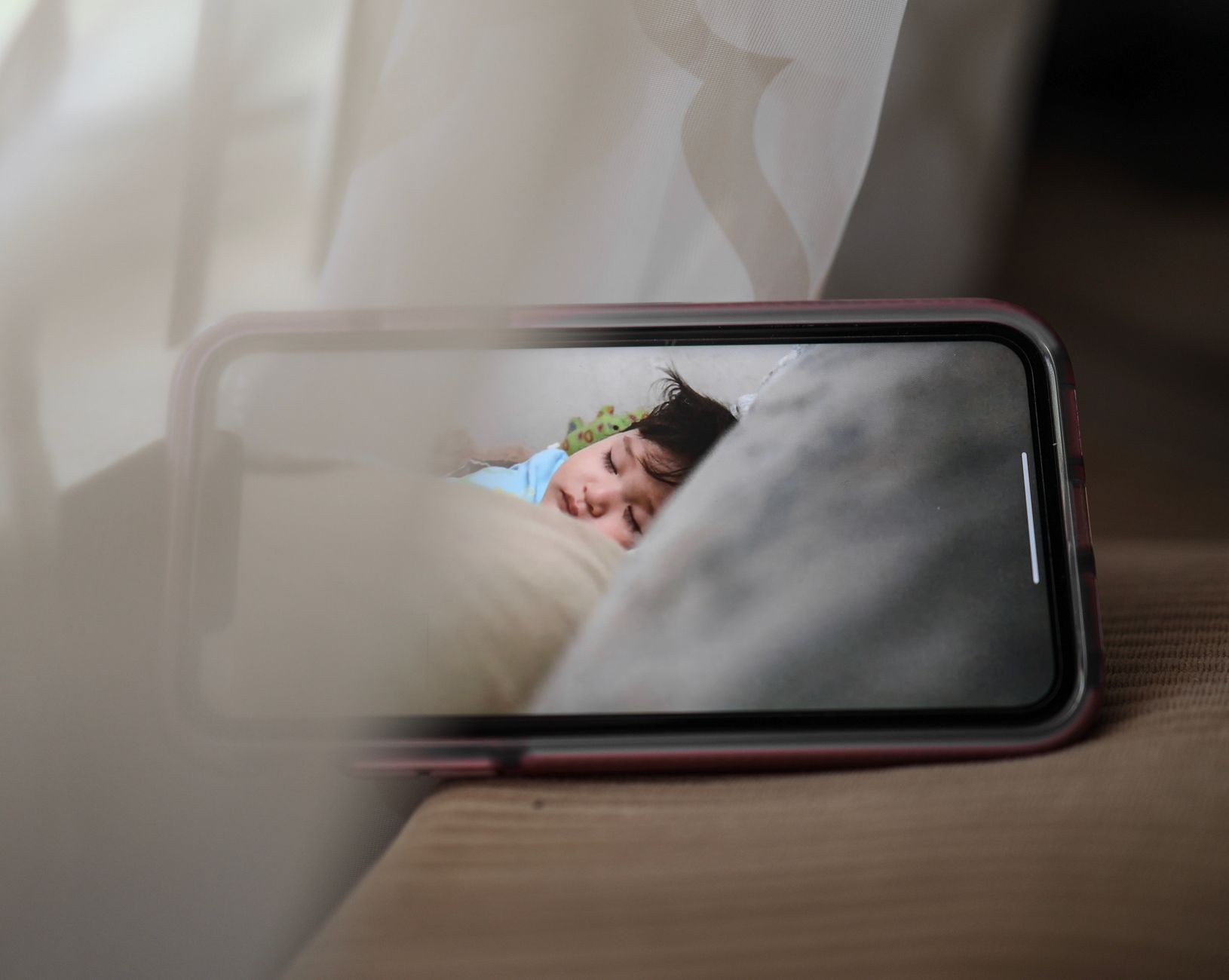
👶 Best Baby Monitor with Two Cameras (2026)
If you’re monitoring twins, two kids in different rooms, or a nursery + play area, a two-camera setup is one of the biggest quality-of-life upgrades.
The best two-camera monitors make it easy to:
- view split screen or quickly switch feeds
- keep a stable signal through walls
- rely on night vision and clear audio
- avoid constant charging (battery life matters)
This guide focuses on parent units that support two cameras (included or expandable).
🔝 Best Two-Camera Baby Monitor Picks

Infant Optics DXR-8 PRO (Add-on camera capable)
A go-to non-WiFi monitor with strong night vision and reliable signal. Expandable to multiple cameras.

VTech Split-Screen Video Monitor (2-camera bundle options)
Split-screen support is great for twins. Often sold in bundles with two cameras included.
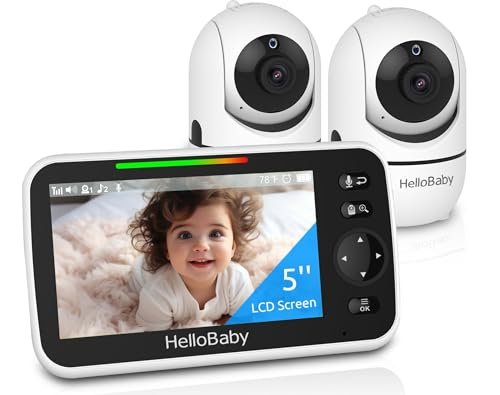
HelloBaby Monitor (2-camera bundle)
Budget-friendly non-WiFi option. Good starter pick for two-room monitoring without subscriptions.

eufy Baby Monitor E110 / E210 (Expandable)
Crisp video quality and a strong parent unit experience. Expandable with add-on cameras.
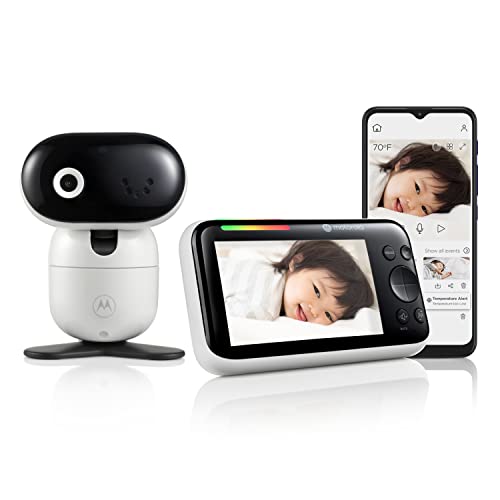
Motorola Video Baby Monitor (Dual camera bundles)
Often available in dual-camera kits. Good for parents who want a familiar brand and simple controls.

BOIFUN / Generic Split-Screen Monitor (Budget)
Affordable split-screen category pick. Best for light use and basic two-camera monitoring.
🧠 What Matters Most for a 2-Camera Baby Monitor
🖥️ 1) Split screen vs quick switching
- Split screen is best for twins / two rooms at once.
- If no split screen, look for fast one-button switching and minimal lag.
🌙 2) Night vision + low-light clarity
A monitor can look great in daytime and still be weak at night. Prioritize:
- strong infrared night vision
- consistent focus (not “blur until it locks”)
📶 3) Signal stability in apartments/homes
Marketing range numbers don’t mean much through walls. A reliable monitor should:
- reconnect fast if you move rooms
- maintain audio without crackling
🪫 4) Parent unit battery life
Two-camera monitoring often means the screen is on more. Look for:
- eco/VOX mode (screen off until sound)
- parent unit that lasts through naps + bedtime
🔁 5) Expandability
If your needs may grow (nursery + playroom later), choose systems that:
- support add-on cameras
- keep UI usable with multiple feeds
📊 Comparison Table
Infant Optics DXR-8 PRO
- Non-WiFi reliability
- Strong night vision
- Expandable cameras
VTech Split-Screen Monitor
- Split screen
- Good bundles
- User-friendly
HelloBaby 2-Camera Bundle
- Budget-friendly
- Simple setup
- No subscriptions
eufy Baby Monitor (Expandable)
- Crisp video
- Strong parent unit
- Expandable
Motorola Dual Camera Kits
- Often sold as kits
- Straightforward controls
- Trusted brand
Budget Split-Screen (BOIFUN/Generic)
- Affordable split-screen category
- Good starter option
- Two-room coverage
*Prices are approximate and may change. Always check the live price on Amazon before buying.
🔗 Helpful related reads
- Want a simple, secure setup without Wi-Fi? Best Non-WiFi Baby Monitor with Long Range
- Building a calming sleep setup: Best White Noise Machines for Babies (2026)
- What to actually buy first: Best Nursery Essentials for New Parents
⭐ Quick Picks
- 🥇 Best Overall: Infant Optics DXR-8 PRO
- 🖥️ Best split screen: VTech split-screen bundles
- 💸 Best budget: HelloBaby 2-camera bundles
Prices change often. Check today’s price and availability before you buy to make sure you’re getting the best deal.
❓ FAQ
Is a split-screen monitor necessary for twins?
Not required, but it’s very convenient. If you don’t have split screen, fast switching and audio alerts become more important.
Do two cameras reduce battery life?
Often yes, because the screen is used more. Eco/VOX mode helps extend battery life.
Is non-WiFi better for overnight use?
Many parents prefer non-WiFi monitors for simplicity and reliability. It avoids app logins and reduces connectivity variables.